


Payment via IvyPay
Payments Guide:
We use IVY PAY, a HIPAA-compliant billing platform built exclusively for mental health professionals and their clients. IVY Pay is fully secure, confidential, and designed to protect our therapeutic relationship. It accepts debit cards, credit cards, HSA, and FSA accounts.
New Patients – Required $1 Deposit: To reserve and hold your initial appointment slot, a $1 deposit is required via IVY Pay at least 24 hours before your scheduled appointment. You will receive a text invitation with a link to set up your IVY Pay account. This process is quick, easy, and secure. Please note that failure to complete your IVY Pay setup and submit the $1 deposit at least 24 hours in advance may result in the loss of your appointment slot.
Questions?
We are happy to address any questions via the patient portal messaging system or call/text us at 813-618-3052.
If you are you are not receiving a text from IVY, make sure to check Spam/Blocked Folders. Some phones and security apps can misidentify automated payment texts as spam. You can also email IVY at support@talktoivy.com and they can help you troubleshoot why you aren’t receiving the texts.
Let us know if you try this and still are not receiving text messages from IVY.
Here’s how to set up your card on file with IVY:
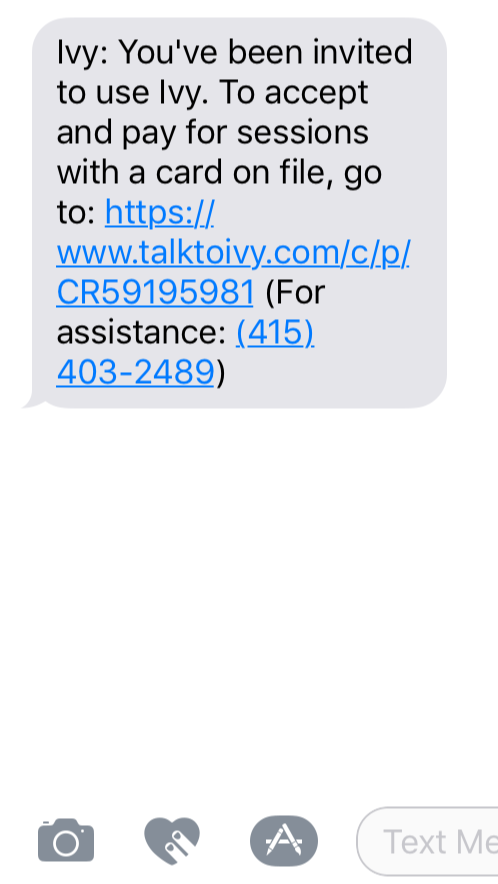
1. MindfulMD will send you an invite text via IVY Pay’s secure system:
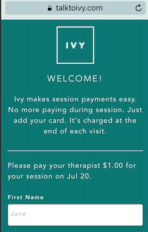
2. Click the link in your IVY text to be taken to the secure ‘Add Card’ form:
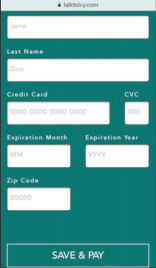
3. Scroll down on the ‘Add Card’ form, add your card details, and click ‘Save & Pay’.
4. Going forward, you will receive a text confirmation any time your psychiatrist uses IVY Pay to charge your card on-file. This will appear in the same thread as your original invite text. (Tip: if you ever need to update your card details, just click on the invite link or follow the steps below.)
How to update your card on IvyPay?
There are a few ways to do this:
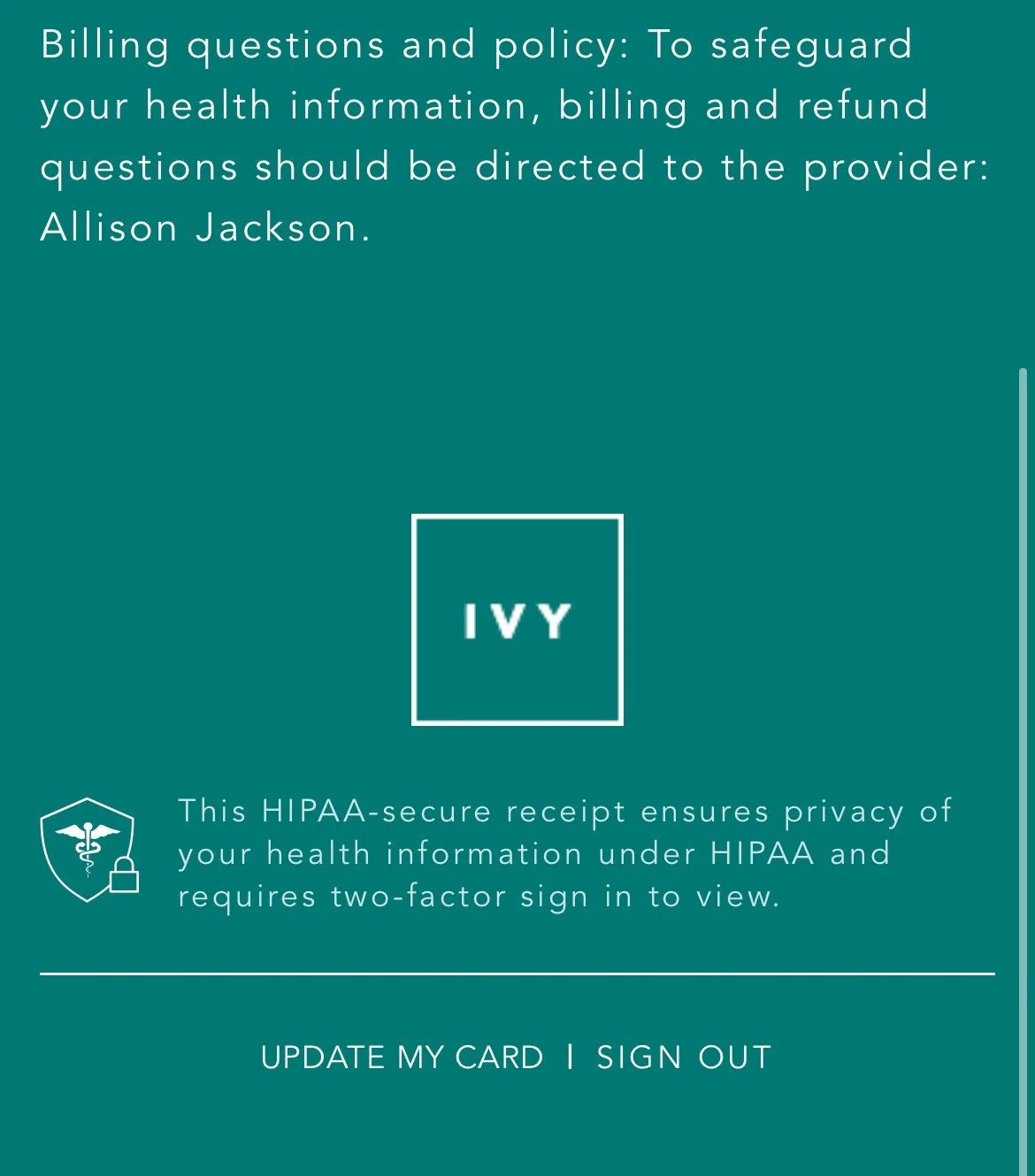
First method: Go to a text with one of the receipts from IVY - click the link in the text to view your digital receipt. Scroll down to the bottom of the website to find the button UPDATE MY CARD, it will then open a page that allows you to update your card on file.
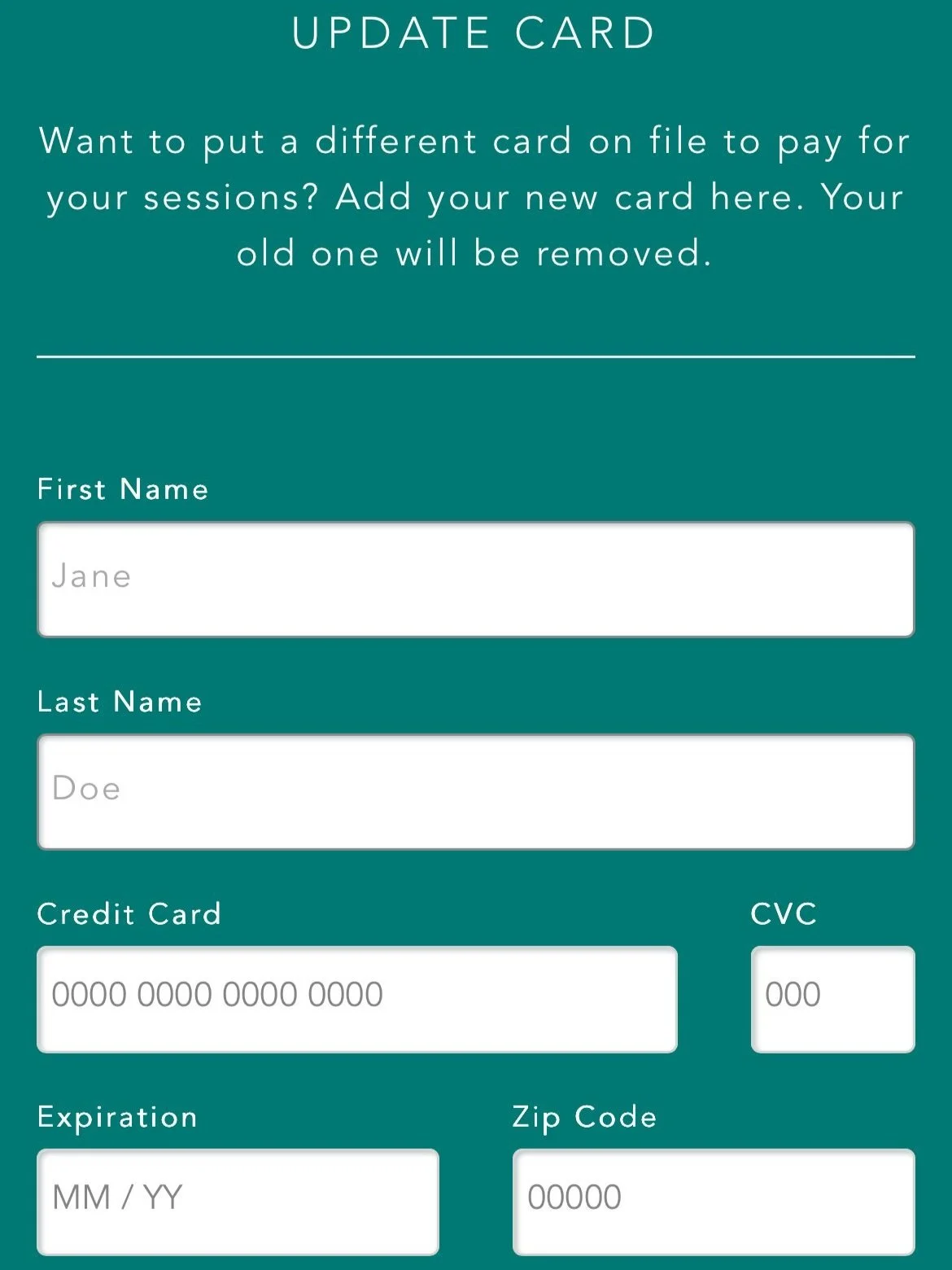
Second method: If you don’t have a text message from IVY, message us via the Charm patient portal or via text (813) 618-3052 and state: UPDATE CARD - this will notify our team to have IVY send you a text with a link to update your credit card info for your card on file. Please follow the link provided to update your payment details. Let us know if you need help updating your card.